



An AI agent opens a live checkout page, captures a screenshot, guesses where the “Place order” button sits, clicks, and captures another screenshot to see what happened. A routine redesign moves the button and the whole sequence falls over, even though the agent is working the way it always does.
That screenshot-action-screenshot loop is how AI agents largely actuate the web today. Capturing screenshots and simulating clicks is brittle, token-hungry and adversarial to sites that never consented, and the loop breaks the moment the layout shifts. WebMCP is the draft standard betting that sites should meet agents differently, and how it answers that bet is what this article unpacks. It also sits inside a larger story — the agent-ready web — where declared tools, browser engines and agent traffic are reshaping how sites are built, served and funded.
Before the how, you need the cast. A browser agent, an AI agent and an AI platform are not the same thing, and the difference decides who consumes these tools.
What is a browser agent versus an AI agent versus an AI platform?
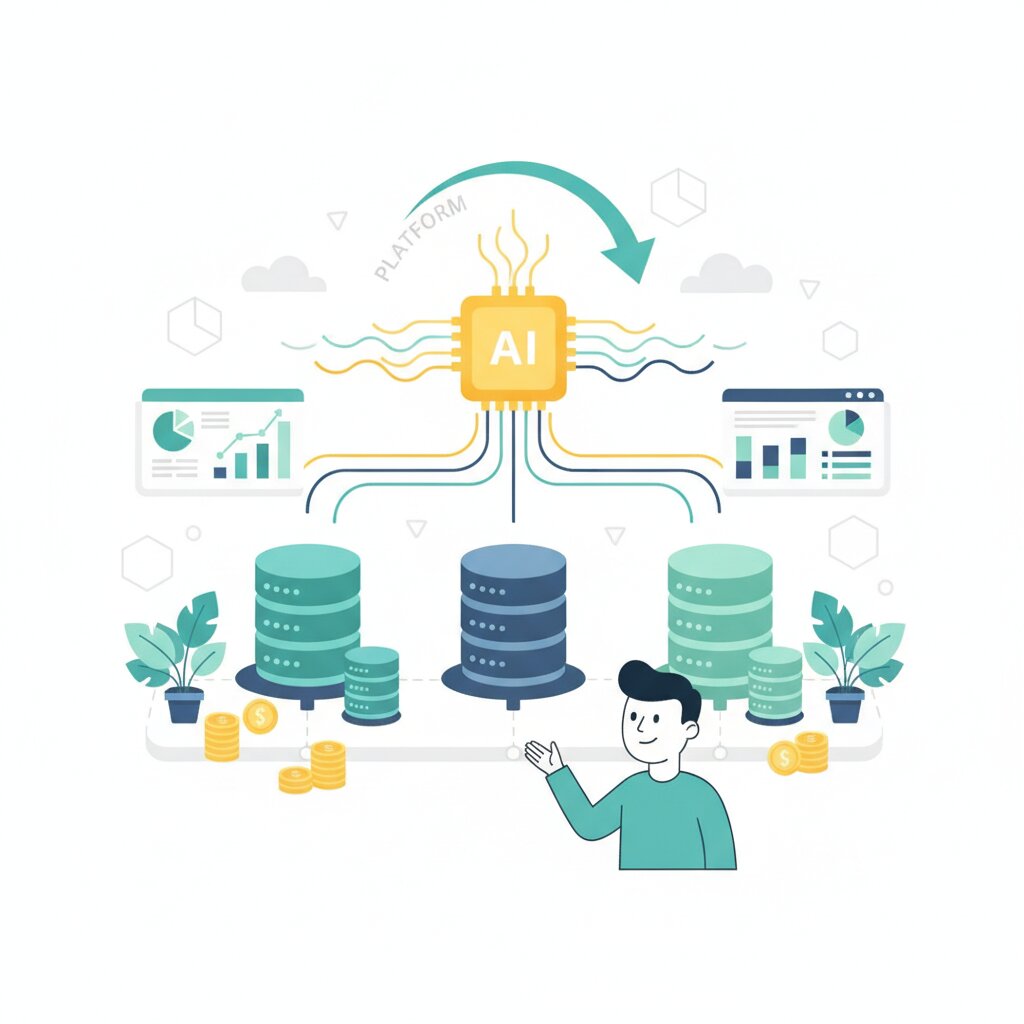
A browser agent is the in-browser actor that scrapes, clicks and invokes tools on a live page, and it is the one that consumes WebMCP tools. An AI agent is the broader goal-seeking software, and an AI platform is the infrastructure that hosts and delivers agents, such as ChatGPT, Claude or Gemini.
Start with the narrowest. A browser agent is an agent that drives the browser itself, and it is provided by or through the browser, built into it or hosted through an extension. It is the piece that actually calls a WebMCP tool on the page.
An AI agent is the broader category: goal-seeking software, usually LLM-powered, that may or may not touch a browser. It consumes MCP servers, WebMCP tools and browser automation alike.
An AI platform is the layer that hosts and delivers agents: OpenAI’s ChatGPT, Anthropic’s Claude, Google’s Gemini. The W3C draft calls these providers of agentic assistants.
The hierarchy runs one way. A platform hosts an AI agent, and a browser agent is a specialised AI agent that operates the browser. That is why, for browser agents and WebMCP, tools are invoked by a browser agent, delivered through an AI platform, on behalf of an AI agent’s workflow.
The next question is how a browser agent actually acts on a page once it is there, because that is where WebMCP changes the picture.
How does WebMCP differ from DOM scraping and screenshot-based agent actuation?
DOM scraping has an agent parse a rendered page or its screenshots, then reconstruct intent and simulate clicks, which breaks whenever the UI changes. WebMCP instead has the site declare named, typed tools the agent invokes directly, a more reliable and token-efficient contract.
DOM scraping, and its close cousin of capturing screenshots, is the status quo. The agent parses the rendered page or reads its screenshots, reconstructs intent, then simulates clicks and typing. It is fragile and expensive: a browser-automation session can burn thousands of tokens before any useful work, and the loop breaks the moment the layout shifts.
WebMCP declared tools go the other way. The site publishes named tools with typed inputs, which the agent invokes directly. Instead of reviewing a button to guess its purpose, the website declares the element’s purpose so it is used as intended.
On reliability and token efficiency, declared tools win for supported single-step actions. One early implementer reported a roughly 90 per cent drop in token usage, though that is a single benchmark. Scraping remains the fallback for sites that expose no tools, with the accessibility tree as its data model.
But do not overstate the win. Structured tool access improves on scraping, yet it does not solve identity, authorisation or consent. A declared tool fixes the single-step contract. It leaves why agents still fail on long tasks open.
So what is this mechanism, exactly?
What is WebMCP and how does it work?
WebMCP, short for Web Model Context Protocol, is a draft web standard that lets a site declare callable tools for agents. It is a Draft Community Group Report from the W3C Web Machine Learning Community Group, explicitly not on the W3C Standards Track. It ships experimentally in Chrome through an origin trial running Chrome 149 to 156.
The core idea: instead of leaving an agent to interpret a rendered page, a site publishes named capabilities with natural-language descriptions and JSON Schema-typed inputs, which a browser agent invokes directly. The interface shows up in the page as document.modelContext, and a page using it works like an MCP server whose tools run in client-side script.
WebMCP borrows the tool model of Anthropic’s Model Context Protocol, yet it does not require the MCP wire format and is not JSON-RPC compatible. It is the web-surface counterpart to backend MCP.
It ships as two APIs. The Declarative API is the low-friction route: you annotate an ordinary HTML form and the browser synthesises a tool from the markup, so the page keeps working as before for human visitors. The Imperative API registers tools programmatically in JavaScript and is the more mature, runtime-flexible surface for apps whose tools depend on runtime state.
Google publishes the practical documentation on the Chrome for Developers site, and the DebugBear guide is a decent walkthrough. For how it lines up against backend MCP, see how WebMCP actually works.
Why does WebMCP matter for the future of the web?
WebMCP matters because it moves agents from interpreting pages to invoking capabilities, cutting ambiguity, hallucination and token waste. The web was built on the assumption that a person is on the other end, and now a growing share of visits come from agents instead. A web that can only be read and clicked will keep being hard for agents.
That is why WebMCP is the top, actionable layer of the wider shift reshaping the web: a stack where the base is readable content, the middle is queryable, and the top is tools an agent can call. For your site, that means making your capabilities invocable rather than leaving an agent to guess at them, and WebMCP is designed to bolt onto a page you already have.
None of this is settled, though. The race to standardise agent tools is lopsided: Google and Microsoft co-author the spec, Apple and WebKit formally oppose it, and Mozilla has stayed silent. WebMCP is still a draft, and site adoption sits close to zero, with no mainstream agent consuming the tools yet; Google says Gemini in Chrome will be first. The economics of agent traffic against ad-supported business models are also unresolved.
The web is growing a second surface: a machine-addressable capability layer, and WebMCP is its clearest expression so far. Agents will keep learning to read pages better, and sites will start publishing tools they can invoke. The question to carry around is a simple one: is this site agent-ready or not?
Frequently Asked Questions
Is WebMCP a finished web standard, or is it still a draft?
No, WebMCP is not a finished standard. It is a Draft Community Group Report from the W3C Web Machine Learning Community Group, and it is explicitly not on the W3C Standards Track. In practice, that means it is an incubation with no cross-vendor commitment, so treat anything you build on it as experimental and expect the API to keep moving.
Which browsers support WebMCP today?
Chrome is the only browser with a shipping implementation. It runs a public origin trial from Chrome 149 through 156, and there is also a local testing flag (chrome://flags/#enable-webmcp-testing). Microsoft co-authors the spec but Edge ships nothing beyond a flag, Apple and WebKit formally oppose WebMCP, and Mozilla has taken no position. Building on WebMCP today means building on Chrome alone.
What is the difference between WebMCP’s Declarative API and Imperative API?
The Imperative API registers tools in JavaScript through document.modelContext.registerTool(), which makes it the more mature and runtime-flexible surface. The Declarative API instead annotates an ordinary HTML form with attributes such as toolname and tooldescription, letting the browser synthesise a tool from markup. The Imperative route suits dynamic apps; the Declarative route is the low-friction, progressive-enhancement path, though its spec section is still largely a TODO.
Where is the official WebMCP specification and documentation?
The normative spec lives as a Draft Community Group Report on the W3C Web Machine Learning Community Group site at webmachinelearning.github.io/webmcp, with the source and open issues on GitHub. Google publishes the practical developer documentation on the Chrome for Developers site, covering both APIs, DevTools debugging and the origin trial. For day-to-day work, the Chrome docs are the clearer starting point.
Do any AI agents actually call WebMCP tools yet?
Not yet, not in any mainstream sense. As of mid 2026 no major agent client (Claude, ChatGPT Agent, Perplexity or Gemini) consumes modelContext tools, and Google says Gemini in Chrome will be the first when it ships. Pages can already declare tools, but the demand side has not arrived. This is the two-sided bootstrapping problem WebMCP still has to clear.
Does WebMCP work in headless browsers or for background automation?
No, and that is a deliberate limit. Chrome’s documentation states there is no support for agents to call tools in a headless state; WebMCP tools require a visible, origin-isolated document, usually with a human in the loop. That rules out exactly the background, server-side automation workloads where MCP servers are most used today, so WebMCP is a browser-surface tool, not a headless one.
Is WebMCP secure, and what are the risks of exposing tools to AI agents?
Security is the sleeper issue. WebMCP ships sensible defaults (a tools permissions policy scoped to self, origin isolation and per-tool opt-in), but a tool runs in the page under the user’s logged-in session, so a deceived agent can call a legitimate tool with real state. Prompt injection, lying tool descriptions and confused-deputy chains across tabs are the named risks. Expose the narrowest tools you can, require confirmation for anything with side effects, and log every call.
Can I add WebMCP to my site without rebuilding it?
Yes, WebMCP is designed as a progressive enhancement. You can add declarative attributes to existing HTML forms, or register tools in JavaScript alongside your current frontend code, and the site keeps working exactly as before for human visitors. There is a caveat: highly complex interfaces often need refactoring or extra JavaScript to handle interface state cleanly, so simple forms are the easiest starting point.
How much does WebMCP actually cut token usage compared with DOM scraping?
The headline number is roughly a 90 per cent decrease in token usage, reported by one implementer to InfoQ, but that is a single benchmark rather than an established fact. The logic is sound: an agent reads a compact tool definition instead of repeatedly screenshotting and parsing a full page. Treat the figure as directional evidence, not a guaranteed saving.
Isn’t WebMCP just the accessibility tree with a new name?
No. The accessibility tree describes a page for assistive technology; it still leaves the agent to interpret what each element means and how to sequence actions. WebMCP goes further by letting the site declare named, typed tools with JSON Schema inputs, so the agent invokes an explicit contract instead of guessing intent. Scraping and the accessibility tree remain fallbacks where no tools are declared.
Will WebMCP replace MCP servers, llms.txt or my existing SEO strategy?
No, these sit at different layers and mostly complement each other. WebMCP is the browser-surface layer, while MCP servers expose backend tools to agents, and llms.txt and content signals help agents read and interpret your content. WebMCP does not replace your SEO work either; it adds an actionable layer on top. Expect to run several of these signals together rather than picking one.