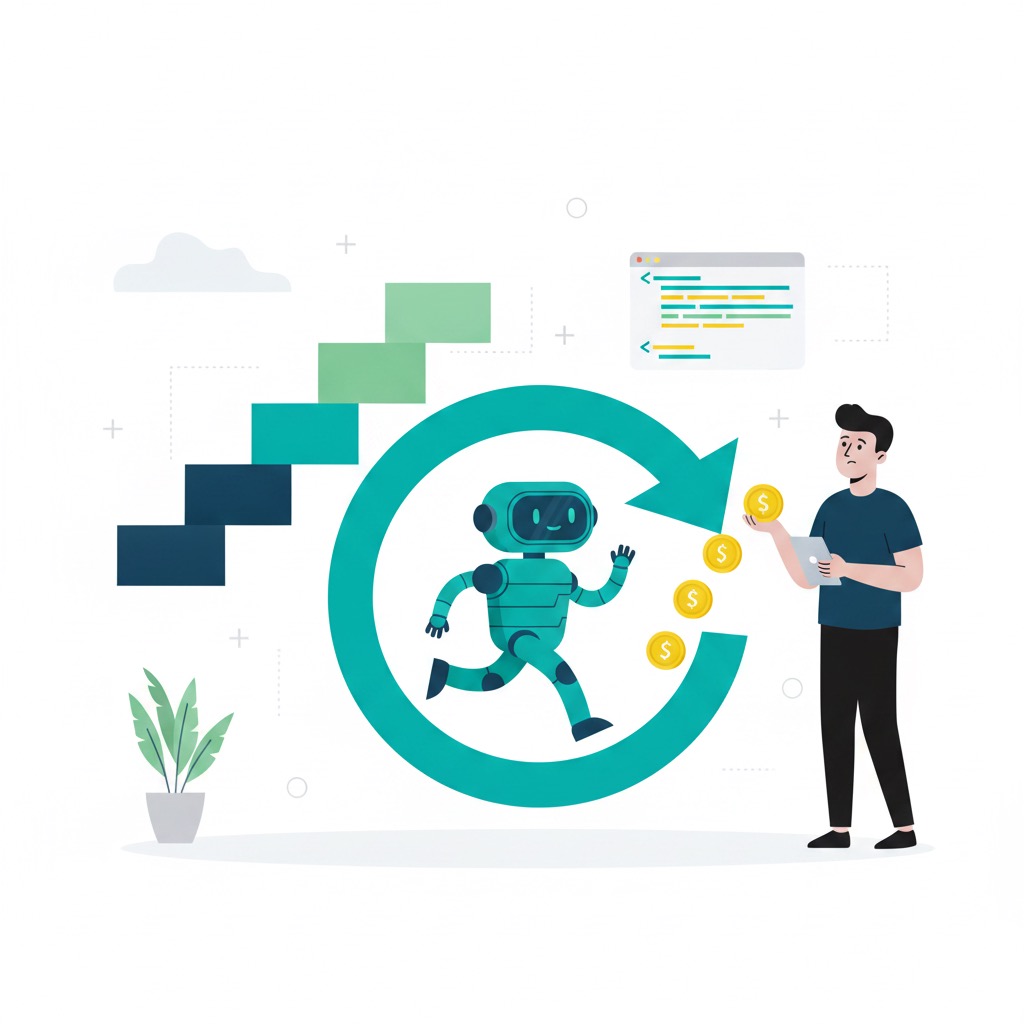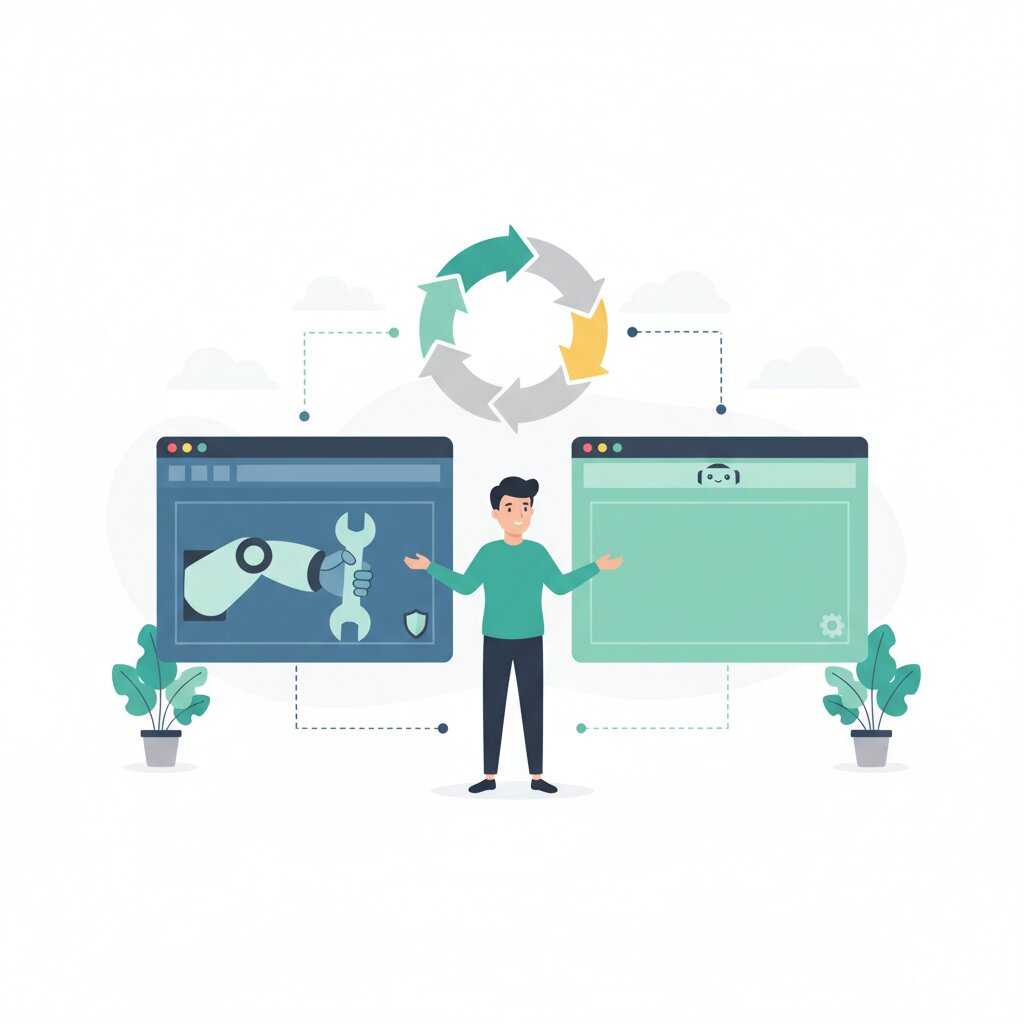

Your browser used to be a viewer. You opened a page, read it, clicked things, filled in forms. The browser waited for you. That model is ending. Agentic browsers — browsers that navigate, click, fill forms, and complete multi-step tasks on your behalf without you driving each action — are arriving from every direction. Google has retrofitted Chrome with Auto Browse. OpenAI built Atlas from the ground up as an AI-native browser. Kagi shipped Orion with zero telemetry and no AI core at all.
These are not variations on the same product. They represent different architectural positions, each with distinct implications for security, reliability, privacy, and governance. Agentic browsing traffic grew 6,900% year-over-year from 2024 to 2025. Your employees may already be using these tools on work devices. This hub maps the landscape and directs you to the analysis you need.
In this guide:
- What is an agentic browser and why does architecture matter? Browser architecture typology explained
- What are the security risks? Browser agent security risk analysis — prompt injection and OWASP mapping
- How reliable are browser agents really? Browser agent reliability benchmarks and hype gaps
- What do vendors do with your browsing data? Agentic browser data handling guide
- How do you govern agentic browser use? Browser agent governance framework and acceptable use policy
What is an agentic browser and how is it different from a regular browser?
The hero above defines the concept. What matters here is the practical consequence: agentic browsers interact with your accounts, credentials, and data in ways a traditional browser never could. The AI is not a sidebar assistant but an architectural component capable of taking autonomous action across authenticated sessions while you are not watching. “Your browser is no longer a viewer. It is an actor, and one you do not fully control.” That is why the security and governance questions are different in kind, not just degree.
Deep dive: Retrofitted vs AI-native breakdown — what the architecture actually means
What are the main types of AI browsers available in 2025 and 2026?
Four categories have emerged. Retrofitted browsers (Chrome Auto Browse, Edge with Copilot) layer AI onto existing Chromium infrastructure. AI-native browsers (OpenAI Atlas, Perplexity Comet, Dia, Fellou) are built with AI as a first-class component. Privacy-first browsers (Kagi Orion, LibreWolf) ship with no AI core and zero telemetry. Enterprise browsers (Island, Talon/Palo Alto, Seraphic/CrowdStrike) are security-oriented forks with centralised governance controls. Each category reflects a distinct architectural position with its own security surface and data handling posture.
Chrome’s three billion-plus users give the retrofitted category the greatest reach, but the AI sits on pre-agentic architecture. AI-native browsers treat the AI as the core — architectural coherence, but a different security surface where the AI holds privileged cross-origin access by design.
Deep dive: Browser architecture typology explained — retrofitted, AI-native and privacy-first
What are the five key dimensions to evaluate an agentic browser on?
Architecture (what the AI can access and how), security risk (exposure to prompt injection and data exfiltration), reliability (real-world task completion versus vendor claims), privacy posture (where browsing data goes), and governance (what controls exist and what policies you need). Evaluating a browser agent product on capability alone — which is what most vendor pages encourage — means deciding on incomplete information that will not survive contact with your environment.
These dimensions interact in ways that vendor marketing rarely acknowledges. Architecture determines security surface. Reliability gaps determine governance requirements — a 61% task success ceiling means human-in-the-loop is not optional. Privacy posture determines compliance exposure. The cluster articles below are designed to be read independently at the decision stage where you need them, or sequentially for a full landscape evaluation.
Browser architecture typology | Browser agent security risk analysis | Reliability benchmarks | Agentic browser data handling guide | Browser agent governance framework
Why are major AI companies racing to own the browser in 2025 and 2026?
The browser is the interface through which most enterprise work happens. Whoever controls the browser layer controls the execution layer for work. Atlas, Auto Browse, Edge for Business, and Comet are all bets that the next computing interface is a browser that acts, not a chat window. Browsers also generate a constant stream of rich interaction data that trains and refines models — owning the browser secures first-party access to that data.
The January 2026 acquisition of Seraphic by CrowdStrike signals that major security vendors now treat agentic browser governance as a core enterprise problem, not a niche concern. For you, this means the browser is no longer a commodity utility. It is a product with its own vendor relationship, data handling posture, and security surface.
The race for the browser layer also explains the architectural trade-offs each competitor has chosen.
Deep dive: Retrofitted vs AI-native breakdown — what the browser race means for architecture
AI-native browser vs retrofitted browser vs privacy-first browser: what are the architectural trade-offs?
Retrofitted browsers (Chrome, Edge) offer reach and compatibility but carry a pre-agentic security model with AI bolted on. AI-native browsers (Atlas, Comet) offer architectural coherence but grant the AI privileged cross-origin access by design, not as an exploit. Privacy-first browsers (Orion, LibreWolf) offer zero-telemetry posture but exclude built-in AI capability. The trade-off is not capability versus safety — it is architectural coherence versus trust inheritance versus data independence.
Orion ships with “no built-in AI code in its core” — a deliberate counter-position for strict data sovereignty environments.
Deep dive: Browser architecture typology explained — the retrofitted vs AI-native vs privacy-first comparison
Are AI browsers safe to use in a business environment right now?
Current AI browsers are not safe for unrestricted enterprise use without governance controls. The hCaptcha benchmark tested five browser agents against twenty abuse scenarios and found near-total absence of safety safeguards. Prompt injection was demonstrated on Atlas within days of launch and is named by OpenAI’s CISO as “a frontier, unsolved security problem.” The evidence is categorical, not speculative — this is a category-wide finding, not an isolated product failure.
The more useful question is what controls must be in place before this product touches company data. Some answers are currently disqualifying for specific products and environments.
Deep dive: Browser agent security risk analysis — prompt injection, OWASP mapping and the absent safeguards
Why do published agentic browser benchmarks often overstate real performance?
Published benchmarks test agents in controlled environments with predictable page states. Real-world tasks involve dynamic content, anti-bot measures, and multi-system workflows that no benchmark fully replicates. The Online-Mind2Web analysis found agents scoring near-90% on standard benchmarks solved only 51–61% in real-world evaluation. Ars Technica’s Chrome Auto Browse test returned a median 7/10, average 6.5/10, with re-prompting required on almost every task — and these were consumer-grade tasks, not enterprise workflows.
Business cases built on vendor benchmarks are built on numbers that will not transfer to your environment.
Deep dive: Browser agent reliability benchmarks — capability vs hype analysis
Can I use an AI browser without sending company data to third parties?
Yes, but the choice of browser determines whether that is possible. Chrome Auto Browse streams page content to Google cloud for inference — “temporary” retention, no specified duration. Atlas builds a cross-session behavioural profile through Browser Memory, creating both a contextual asset and an attack target. Orion operates with zero telemetry and no cloud inference, routing no browsing data to vendor infrastructure. The architectural difference is binary, not a matter of degree.
For environments handling patient data, payment data, or personal data under GDPR, page content streamed to a vendor cloud triggers processing obligations that current vendor documentation may not satisfy.
What should I do before allowing employees to use browser agents at my company?
Do not wait for a policy — adoption is already happening bottom-up. Zenity’s data shows employees installing AI-native browsers on work devices without IT knowledge across enterprise environments right now. Standard analytics cannot distinguish human from agent traffic. The governance problem is not theoretical, and waiting for a formal framework before acting means the window for establishing minimum viable controls has likely already closed.
Five steps before any browser agent touches internal tools:
- Inventory what agentic browsers are already installed across managed devices.
- Assess which internal tools and SaaS platforms are accessible in the browser environment.
- Determine what data classifications employees encounter in normal browser sessions.
- Establish minimum human-approval requirements for consequential actions (form submissions, authentication, data access).
- Communicate provisional guidance while the full acceptable use policy is drafted.
Resource Hub: Agentic Browser Library
Architecture and Landscape
- Retrofitted vs AI-Native vs Privacy-First Browsers — What the Architecture Actually Means: Four-category browser typology covering Chrome Auto Browse, Atlas, Comet, Orion, and Web MCP. Start here for shared vocabulary.
Security and Risk
-
Agentic Browser Security Risks — Prompt Injection, OWASP Mapping and the Absent Safeguards: Evidence-based risk analysis mapping vulnerabilities to the OWASP LLM Top 10. Covers the hCaptcha benchmark, indirect prompt injection, and autonomous action compounding risk.
-
Agentic Browser Data Handling — What Vendors Do With Your Browsing Data and What You Can Do About It: Vendor-by-vendor data handling comparison with GDPR, HIPAA, and PCI-DSS compliance implications.
Governance and Decision-Making
- Browser Agent Governance — Shadow AI Detection, Acceptable Use Policy and the Enterprise Decision Framework: Pre-deployment checklist, shadow AI detection toolchain, and the decision matrix for choosing between browser postures.
Performance and Reliability
- Browser Agent Reliability — Benchmarks, Hype Gaps and What Real Task Performance Looks Like: Independent reliability data and the mechanistic explanation of why browser agents fail in real-world conditions.
Frequently Asked Questions
What is an agentic browser and should I care about it?
An agentic browser acts on your behalf — navigating, clicking, submitting forms across multiple sites without you driving each step. Agentic browsing traffic grew 6,900% year-over-year. Adoption is happening faster than governance frameworks are being built. You should care now.
What is the difference between an AI-native browser and a retrofitted browser?
A retrofitted browser layers AI onto existing architecture. An AI-native browser is built with AI as an architectural core. The practical difference: retrofitted AI operates within the existing security model; AI-native browsers give the AI privileged cross-origin access by design. See the browser architecture typology.
What is browser agent memory and why does it create security risks?
Atlas’s Browser Memory builds a cross-session profile of what the agent has seen and done. This makes the AI more useful and creates an attack target. An attacker who can manipulate what the agent “remembers” (OWASP LLM-01, memory poisoning) can influence all future sessions. The feature and the vulnerability are the same component.
How do I detect if employees are already using browser agents?
Standard endpoint tools show application installations. Web analytics will not reliably identify agentic traffic — Google Analytics cannot distinguish human from agent at scale. Zenity via Unified Endpoint Management provides device-level discovery and behavioural detection. See the browser agent governance framework.
Is the enterprise browser category a better option than AI-native browsers?
Enterprise browsers (Island, Talon, Seraphic/CrowdStrike) provide superior governance — centralised policy, DLP integration, audit trails. The trade-off is AI capability: they lack AI-native agent features. For regulated data environments, enterprise browsers may be the appropriate near-term posture. See the enterprise decision framework for browser agents.
What is prompt injection and why can’t it be patched?
Prompt injection is to LLMs what SQL injection was to web applications — exploiting how AI interprets instructions embedded in content. OpenAI’s CISO named it “a frontier, unsolved security problem.” It cannot be patched because it exploits the core mechanism by which LLMs interpret language. See the browser agent security risk analysis.
Does human-in-the-loop remove the security risk?
HITL requires human approval before consequential actions, significantly reducing the blast radius of prompt injection. But it does not eliminate the risk — it constrains what a compromised agent can do. Every confirmation pause also means the agent cannot complete tasks autonomously. HITL is a designed compensating control, not a full solution. See the prompt injection and OWASP mapping analysis.