
Everyone is calling their browser an “AI browser” now. Chrome, Atlas, Comet, Orion — they’re all making that claim. But the architectures underneath those labels are genuinely different, and those differences have real consequences for your security posture, data residency, and compliance exposure.
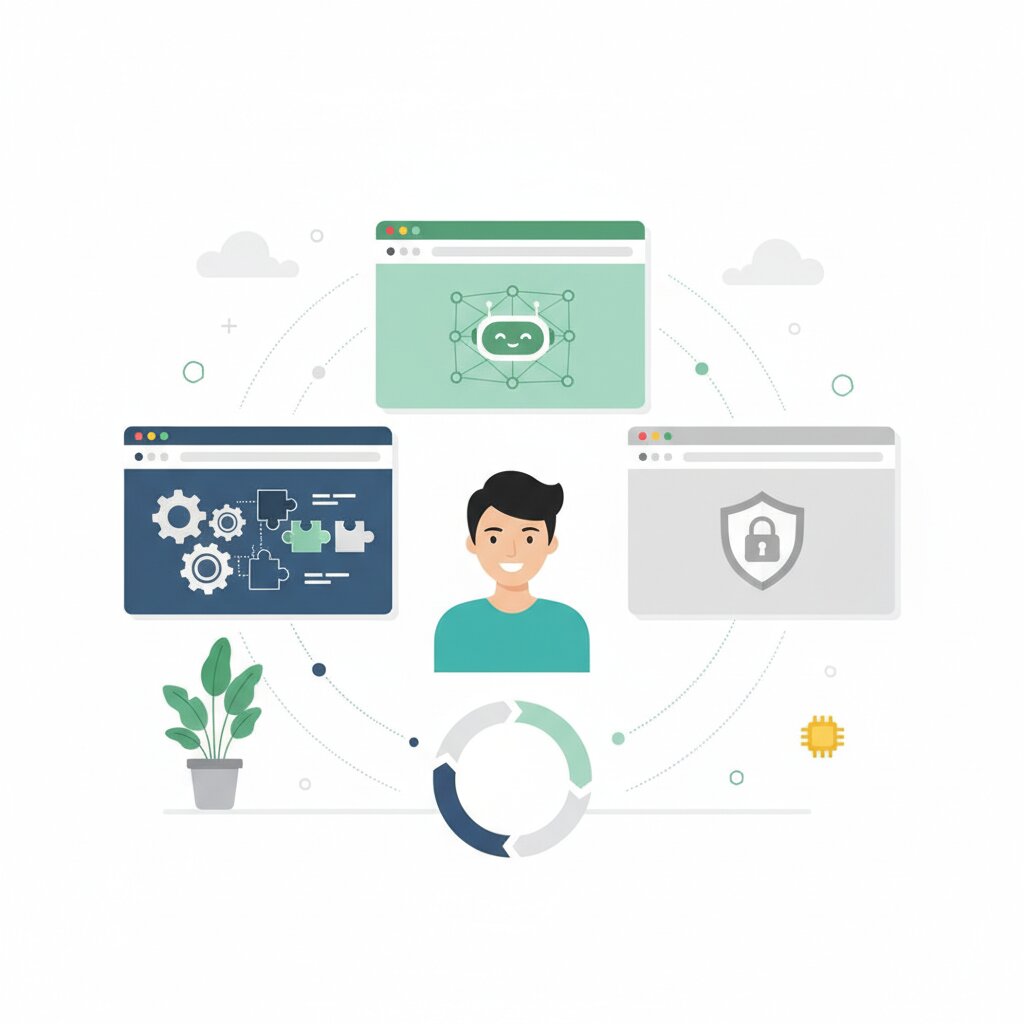
Three distinct categories have emerged: retrofitted browsers (AI layered onto existing infrastructure), AI-native browsers (built from scratch around an AI core), and privacy-first browsers (AI kept out of the browser core entirely). Which category a browser falls into determines where your data goes, what the AI can actually see, and what attack surface you’re inheriting. This article maps all three, as part of the broader agentic browser landscape series.
What Is an Agentic Browser and Why Does “AI Browser” Get It Wrong?
An agentic browser is a browser that can complete autonomous multi-step web tasks on your behalf. Navigating pages, filling forms, clicking elements, completing transactions — without you doing anything after the initial instruction.
The “AI browser” label is the problem. It collapses three very different architectural decisions into one marketing term. Chrome bolts AI onto existing infrastructure. Atlas builds AI in as the core interface. Orion keeps AI out of the browser entirely and lets you connect to whatever external tools you choose. Those three approaches produce different security properties, different data flows, and different compliance postures.
The meaningful distinction is where the AI sits: as a feature layer on top, as the central interaction paradigm, or deliberately outside. Same-origin policy, data routing, and who you have to trust all follow from that decision.
What Is a Retrofitted Browser and How Does Chrome Auto Browse Actually Work?
A retrofitted browser is an established browser — built for human use — with AI agentic capabilities added on top. The browser’s core predates the AI. The AI is a passenger in an architecture it didn’t design.
Chrome Auto Browse is the example to look at here. Launched January 28, 2026, it adds autonomous task execution to Chrome’s existing Chromium infrastructure, powered by Gemini 3. Chrome streams the page you’re viewing to a cloud-hosted Gemini 3 model, which interprets it and takes actions on your behalf. The AI operates within Chrome’s existing sandbox and security model.
Pricing is US-only at launch: AI Pro ($19.99/month, 20 tasks per day) and AI Ultra ($249.99/month, 200 tasks per day). Real-world testing found it needed nudging on almost every task and failed on some Google’s own products. Functional, but not ready for unsupervised use.
Page content is streamed to Google’s cloud infrastructure for every task — Auto Browse does not run locally. Google temporarily logs it to your Google Account under the Gemini in Chrome policy. The control mechanism is confirmation checkpoints: Auto Browse pauses before sensitive actions and asks for explicit sign-off.
The tradeoff is reach versus architectural coherence. Chrome has over 3 billion users — extraordinary distribution. But the AI is working within an architecture built for humans, constrained by existing security models and data flows. For more on what that means in practice, see the security implications of retrofitted architecture — that constraint is both the advantage and the limitation.
What Are AI-Native Browsers and What Do Atlas and Comet Do Differently?
An AI-native browser is built from the ground up with AI as the central interaction layer. The AI isn’t an add-on — it’s the primary interface through which browsing, search, and task execution are unified.
OpenAI’s Atlas launched October 21, 2025 on macOS, with Windows, iOS, and Android forthcoming. It’s built around ChatGPT as the core interaction layer — an always-present AI sidecar that understands on-screen context, browser history integration that personalises responses, and an agent mode that handles autonomous task execution. Free tier for basic features; agent mode requires Plus, Pro, or Business subscription.
The defining architectural consequence is cross-origin visibility. Atlas is built on Chromium, but with ChatGPT integrated at the architectural level. That gives the AI direct access to the browser’s full context: every open tab, every form field, every authenticated session across all domains simultaneously.
In a traditional browser, the Same-Origin Policy means domain A cannot access domain B’s data. AI-native browsers don’t bypass this as an exploit — they bypass it as a design decision. The AI is a privileged component with legitimate access to all browsing contexts. That’s why the security surface is categorically different, not just incrementally larger.
Atlas launched without SOC 2 or ISO certification, with no compliance API logs, no SIEM integration, no SSO enforcement. OpenAI’s own enterprise documentation explicitly advises against deploying Atlas where heightened compliance controls are required.
Perplexity Comet is the cautionary example. Security researchers documented an undocumented MCP API that allowed embedded AI components to execute arbitrary local commands. Brave Security Research demonstrated indirect prompt injection attacks that tricked the AI into leaking sensitive information. For the full picture on security risks from AI-native browser architecture, that’s the next article in the series.
Why Does Orion Choose No AI Core — and Why Is That a Product Decision, Not a Gap?
A privacy-first, no-AI-core browser keeps AI out of the browser architecture entirely. It can connect to external AI tools the user chooses — but the architectural boundary is firm: no AI code in the browser internals, and any external services used are the user’s explicit choice.
Kagi’s Orion 1.0 shipped for macOS, iOS, and iPadOS in November 2025 after six years of development. Built on WebKit, not Chromium. Zero telemetry — no analytics, no identifiers, no tracking. Supports both Chrome and Firefox extensions. Built by six developers. Free to download; Orion+ from $5/month, $50/year, or $150 lifetime. Over 1 million downloads.
Kagi’s position is straightforward: “We are against rushing insecure, always-on agents into the browser core. Your browser should be a secure gateway, not an unvetted co-pilot wired into everything you do.” That’s a deliberate architectural bet — zero-telemetry and architectural separation is more valuable for certain use cases than integrated AI convenience.
Approximately 70% of browsers run on Chromium, developed by Google. WebKit gives Orion independence from Google’s rendering engine and the data flows that come with it. The Chromium monoculture is a platform risk. Orion is a hedge.
The security logic is simple: prompt injection cannot reach browser internals if there is no AI in the browser to inject into. The attacks documented against Comet are structurally impossible here. Orion is also subscription-funded — no advertising model, no structural incentive to track you — and the zero-telemetry claim is independently verifiable with Proxyman or mitmproxy. For what this means at an organisational level, see what zero-telemetry means for enterprise data handling.
What Does the Architecture Actually Change for Security, Data, and Enterprise Trust?
The three categories produce materially different outcomes across four dimensions.
Security surface. Retrofitted browsers inherit the existing browser security model and add AI as a constrained feature layer. AI-native browsers expand the security surface by design — cross-origin visibility is an architectural feature, not an oversight. Privacy-first browsers reduce the security surface by keeping AI out of the core entirely.
Data residency. Chrome Auto Browse streams page content to Google’s cloud for every task. Atlas processes inference through OpenAI’s cloud — everything you browse passes through their infrastructure. Orion sends nothing from the browser itself; only data you explicitly share with an external tool leaves your machine.
Compliance readiness. Chrome Auto Browse inherits Google’s enterprise compliance certifications through the Gemini in Chrome policy framework. Atlas launched without SOC 2 coverage — treat it as out of scope for regulated data until that changes. Orion’s zero-telemetry model minimises data collection to the point where there’s effectively nothing to audit at the browser layer.
Trust model. Retrofitted browsers rely on confirmation checkpoints and Google’s existing enterprise trust infrastructure. AI-native browsers rely on the vendor’s AI safety commitments — and early exploitation evidence against Comet shows that brand-based trust is not the same as architectural trust. Privacy-first browsers rely on architectural guarantees: no AI code in the core means no AI-mediated data flow at the browser level.
What Is Web MCP and Where Is Agentic Browser Architecture Heading?
Web MCP — Model Context Protocol for the Web — is an emerging browser protocol landing in Chrome 146 as an experimental feature in February 2026. It lets web applications expose their functionality directly as structured tools that AI agents can invoke.
The problem it solves is a practical one. Current agentic browsing uses Playwright or Puppeteer-style DOM manipulation — the AI clicks buttons and reads page elements by interacting with the browser’s internal representation of the page. It works, but it breaks the moment someone changes a class name or restructures a component.
Web MCP replaces DOM manipulation with structured tool endpoints that application developers expose. Instead of clicking through screens, the AI invokes a declared function with typed parameters and gets back structured data. More reliable, more secure, more efficient. As one summary put it: if an agent can call an API directly, making it click through UI is latency with extra steps.
The enterprise angle is direct. Internal web applications — dashboards, CRMs, admin tools — could expose agent-native endpoints via Web MCP. If your teams build internal tooling, the question to start asking now is how those applications will be consumed by AI agents, not just human users.
The adoption challenge is chicken-and-egg: Web MCP requires application developers to opt in. Chrome baking it in natively may be the forcing function — similar to how the iPhone’s launch eventually forced mobile-responsive design.
If the protocol standardises how AI agents interact with web applications, the practical advantage of AI-native browsers narrows for that specific interaction. Security, data residency, and compliance differences will remain. But some of the gap will close over time. For the bigger picture, see the browser-agent platform race overview.
Frequently Asked Questions
Is Chrome Auto Browse the same as Google Gemini?
No. Gemini is Google’s AI model family. Chrome Auto Browse is a specific agentic feature that uses Gemini 3 to perform autonomous browsing tasks. Gemini powers other Chrome features too — sidepanel chat, Gmail/Photos/YouTube integrations — but Auto Browse is the agent-specific capability launched January 28, 2026.
Can I disable Chrome Auto Browse if I don’t want it?
Yes. Auto Browse requires an AI Pro ($19.99/month) or AI Ultra ($249.99/month) subscription and is not enabled by default. Toggle it off in Chrome settings; enterprise administrators can manage availability through Chrome enterprise policies.
What’s the difference between Auto Browse and Agent Mode?
Auto Browse is Google’s term for Chrome’s agentic feature — retrofitted onto existing Chrome, within Chrome’s existing security model. Agent Mode is Atlas’s term for its autonomous task execution — built into an AI-native browser as a core architectural element. Same capability, fundamentally different architectural positions.
Is Atlas safe for enterprise use?
Atlas launched without SOC 2 certification, and its AI-native architecture gives the AI privileged cross-origin access by design. Treat it as out of scope for systems processing regulated data until SOC 2 coverage is in place — that certification is the signal to watch.
Can an AI-native browser access my other browser’s data?
No. An AI-native browser can only access data within its own browser instance — not Chrome, Firefox, or any other browser installed on the same machine. Cross-origin visibility is about the AI accessing data across different websites within that browser, not across different browser applications.
What’s the difference between Web MCP and traditional browser automation like Playwright?
Traditional browser automation manipulates the DOM — programmatically clicking buttons, filling forms, reading page elements. It’s fragile and breaks when page layouts change. Web MCP replaces this with structured tool endpoints that web applications expose specifically for AI agents.
Does Orion work with AI tools at all?
Yes. Orion’s “no AI core” means the browser itself contains no AI code, but users can connect to external AI services — ChatGPT, Claude, Gemini — through web interfaces or browser extensions. You get AI access without embedding AI in the browser’s trusted core.
Why does Orion use WebKit instead of Chromium?
Orion uses WebKit — the rendering engine behind Safari — to avoid Chromium dependency. With approximately 70% of browsers running on Chromium, WebKit gives Orion independence from Google’s rendering engine, update cadences, and the architectural decisions that come bundled with it.
What does “cross-origin visibility” mean in practical terms?
In a traditional browser, the same-origin policy prevents a script on website A from reading data on website B. In an AI-native browser, the AI core has privileged access across all tabs and sessions — it can see and reason about content from multiple domains simultaneously. By design, not by exploit. The AI-Native Browsers section above covers what that means for your security posture.
How much does each type of agentic browser cost?
Chrome Auto Browse: AI Pro $19.99/month (20 tasks/day) or AI Ultra $249.99/month (200 tasks/day), US only. OpenAI Atlas: free tier for basic features, agent mode requires Plus/Pro/Business subscription. Kagi Orion: free download, optional Orion+ from $5/month or $50/year, or $150 lifetime. Opera Neon: $20/month for advanced AI features.
Is prompt injection a risk for all three browser categories?
Yes, but the profiles are different. In retrofitted browsers, injection targets the AI layer but is constrained by the existing security model. In AI-native browsers, it can exploit the AI’s privileged cross-origin access — Brave Security Research demonstrated this against Comet. In privacy-first browsers like Orion, there’s no AI in the browser core to inject into; only external tools the user chooses to connect are exposed.
What should your organisation do right now about agentic browsers?
Establish a browser agent policy before adoption spreads informally. Match the architectural category to your data classification and compliance requirements. High-sensitivity environments should consider privacy-first. General productivity teams will find retrofitted browsers the path of least resistance. Watch Web MCP adoption as the signal for when agent-browser interaction starts to standardise.