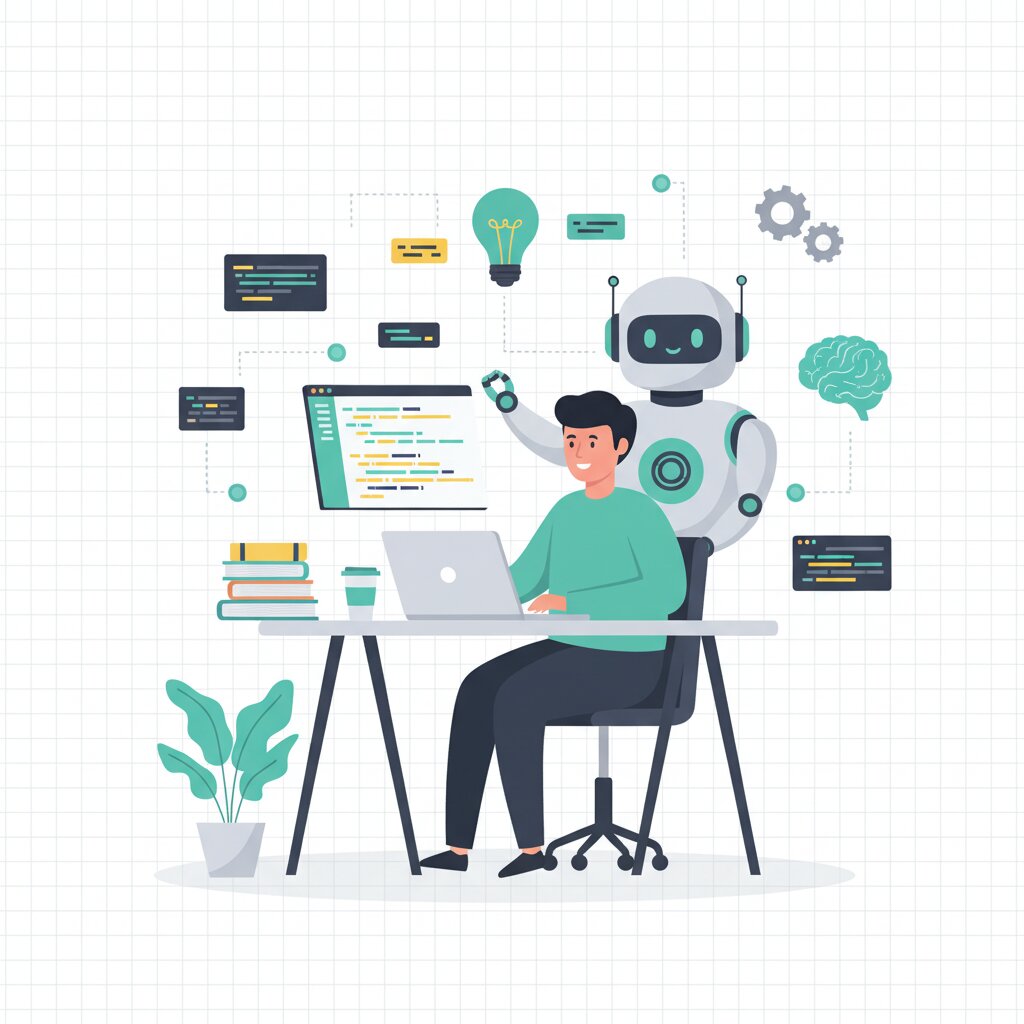

The numbers are pretty clear. 84% use or plan to use AI tools in their workflow, and 51% using them daily for coding, testing, and debugging. Most developers are already using AI coding tools every day.
Skills requirements in software development are shifting around. They’re not disappearing. The changes happening right now are defining how you should invest your team’s learning time. This guide is part of our comprehensive resource on how to transform your SMB engineering team with skills-based hiring, where we explore how organisations are moving beyond credential-based approaches to focus on actual capabilities.
So in this article we’re going to look at what AI handles well, what humans still own, realistic productivity expectations, and the skills framework you need to make smart investment decisions.
How is AI changing the skills requirements for software developers in 2025?
AI coding assistants are reshaping how software gets built. They’re automating the routine stuff whilst elevating human judgment to the centre of the process. Developers spend less time on boilerplate code and syntax now, and more time on architecture decisions and translating stakeholder needs. The skill premium has shifted from memorising APIs to mastering prompt engineering, context engineering, and creative problem-solving. Technical skills are becoming outdated in under 2 years. That’s accelerating the continuous learning imperative whilst human skills like synthesis and ethical reasoning are gaining lasting value. This shift is why many organisations are moving toward skills-based approaches that focus on capabilities rather than credentials.
44% of development working hours can theoretically be automated according to Accenture. That word ‘theoretically’ really matters here.
AI is excellent at well-defined tasks – boilerplate code generation, unit test creation, documentation, simple algorithms, syntax suggestions. These are automatable because they have clear patterns and deterministic outcomes.
Human responsibilities stick around though. Architecture decisions, resolving ambiguity, stakeholder translation, security consciousness, and ethical reasoning.
The divide comes down to well-defined versus judgment-dependent. Boilerplate generation has clear patterns that AI can follow. But early-stage architecture? That requires decisions about future scaling and business priorities that AI just can’t navigate.
This creates a dual requirement. Your team needs technical fluency with AI tools. Plus they need enhanced human judgment capabilities.
What is prompt engineering and why does it matter for developers?
Prompt engineering is the skill of crafting effective natural language instructions to AI systems so you get the coding outputs you want. Josh Bersin calls it “programming in plain language”.
It matters because AI coding assistants like GitHub Copilot and ChatGPT respond to instruction quality. Give them vague prompts and you get poor code. Well-structured prompts? You get production-ready solutions. Developers who master prompt engineering see significantly higher acceptance rates and productivity gains than those treating AI tools as magic boxes.
It’s a bit like API design, but you’re using natural language interfaces rather than REST endpoints. The approach is structured, systematic, and repeatable.
RICE (Role, Instructions, Constraints, Examples) gives you a structured methodology for consistent quality. Your team needs standardised approaches. You don’t want everyone inventing their own.
The key distinction here is this – focus on communication clarity rather than syntax precision.
What is context engineering and how does it differ from prompt engineering?
Context engineering is the advanced skill of structuring comprehensive inputs for AI systems – code context, architecture constraints, requirements, existing patterns – evolving beyond simple prompt engineering.
Whilst prompt engineering focuses on the immediate instruction, context engineering provides the surrounding information that enables AI to make intelligent decisions across entire codebases. It’s the difference between “write a login function” and providing the authentication architecture, security requirements, existing code patterns, and integration points that allow AI to generate production-appropriate code.
Context limitations create AI blind spots. Traditional context windows of 4K-8K tokens force AI assistants to make suggestions without understanding cross-service dependencies.
Effective context engineering includes architecture patterns, existing code style, security requirements, integration constraints, and business logic.
This is the “graduate level” skill you learn after you’ve got prompt engineering basics down. Simple prompts work fine for isolated code. Complex projects? They require contextual understanding. This skill investment is what distinguishes expert from novice AI tool users.
What tasks do AI tools handle well versus what humans still need to do?
AI coding assistants are excellent at boilerplate code generation, unit test creation, documentation, and syntax suggestions. Humans retain ownership of architecture decisions, ambiguity resolution, stakeholder translation, security review, and ethical reasoning.
High AI effectiveness tasks show acceptance rates above 30%. That’s boilerplate code, unit tests, documentation, syntax completion, simple algorithms.
Moderate AI effectiveness lands between 15-30%. Debugging assistance, code refactoring, API integration.
Low AI effectiveness drops below 15%. Architecture design, security-critical code, business logic requiring domain knowledge.
Then there are the purely human responsibilities. Stakeholder translation, requirement ambiguity resolution, ethical decision-making, and long-term system evolution.
AI can’t understand business context because that information often lives outside the codebase in project management tools, design documents, and team meetings. AI struggles with “global reasoning needed to maintain a large-scale system,” lacking capacity to evaluate long-term dependencies and domain boundaries.
This framework is what guides your skill investment decisions and realistic work delegation.
What human skills are becoming MORE valuable as AI takes over routine tasks?
Judgment, synthesis, creative problem-solving, ethical reasoning, and stakeholder translation are all increasing in value as AI handles routine coding tasks.
The human skills premium reflects this reality – 83% of executives believe AI will elevate human capabilities rather than replace them, according to Workday. T-shaped engineers – deep expertise in one area combined with broad competency across domains – become the profile that organisations seek because breadth enables T-shaped development through effective AI delegation whilst depth provides the judgment and architecture capabilities that remain purely human.
Here are the five premium human skills:
Judgment handles architecture trade-offs. Synthesis connects disparate information. Creative problem-solving develops novel approaches. Ethical reasoning considers societal impact. Stakeholder translation builds the business-technical bridge.
These can’t be automated because they require organisational context, political awareness, long-term thinking, and values alignment.
T-shaped professionals combine deep specialised expertise with broad cross-functional knowledge. This profile enables development approaches that leverage both AI automation for well-defined tasks and human judgment for architecture decisions.
Technical skills are becoming commoditised whilst human skills create lasting advantage. Soft skills training is becoming as important as technical training.
How fast are technical skills becoming outdated in the AI era?
Technical skills are becoming outdated in under 2 years now. That’s down from 4-5 years previously, according to TMI’s skills-first research.
This obsolescence isn’t uniform though. Specific language syntax and framework details decay fastest. Fundamental concepts like algorithms, system design, and architecture patterns retain value longer.
The acceleration stems from AI tools rapidly automating previously valuable skills. What took weeks to learn in 2020 might be automated by 2023, rendering that investment obsolete.
Syntax and framework details last 6-12 months. Fundamental concepts survive 3-5+ years or longer.
Skills become obsolete when AI handles them more efficiently than humans. Examples? Boilerplate generation, documentation writing, and basic testing approaches.
What retains value? Architecture patterns, system design thinking, algorithmic problem-solving, and domain knowledge.
The learning never really “ends” because AI itself is a moving target requiring continuous upskilling. The tools and best practices of today might change next year.
The career implication shifts from credential-based to continuous learning mindset. The reskilling imperative becomes ongoing, not a one-time initiative.
Investment strategy? Prioritise durable fundamentals and human skills over tool-specific knowledge.
What are the real productivity gains from using AI coding assistants like GitHub Copilot?
Real-world productivity gains from AI coding assistants range from 20-40% efficiency improvement. Not the hyped 10x claims.
Developers using Copilot complete tasks 55% faster according to GitHub’s research, whilst 88% felt more productive in a large-scale survey of over 2,000 developers. The ZoomInfo deployment with 400+ developers achieved 33% suggestion acceptance, 20% line acceptance, and 72% satisfaction. The gains concentrate in specific task categories. Boilerplate generation sees 40%+ time savings, unit test creation 30-35% savings. Architecture work shows minimal direct productivity change.
Most development time involves thinking, stakeholder communication, and context-switching. Not pure coding.
Task-specific gains look like this – boilerplate saves 40%+, testing saves 30-35%, documentation saves 25-30%, debugging assistance provides 15-20% help.
Practically speaking, these gains translate to 1-2 hours saved per developer per day on routine tasks.
There’s a productivity paradox here too. Time savings often redirect to higher-quality work rather than faster delivery.
Additional benefits show up in flow state preservation. 73% of developers report staying in flow state when using Copilot. 87% say it preserves mental effort during repetitive tasks. 60-75% feel less frustrated when coding and can focus on more satisfying work.
FAQ Section
Is prompt engineering a permanent skill or just a temporary phase?
Prompt engineering represents a fundamental shift in how developers interact with automated systems. That makes it a durable skill despite tool evolution.
Whilst specific prompt syntax might change as AI models improve, the underlying skill of clearly communicating intent and providing appropriate context remains valuable. Think of it like learning to write clear technical specifications. The formats change but the core communication skill persists.
Will junior developers become obsolete if AI can write code?
Junior developers aren’t becoming obsolete but their learning pathways and responsibilities are shifting significantly.
AI handles tasks junior developers previously used for skill-building. This requires new approaches to developing fundamental understanding. The role is evolving toward code review, AI output verification, test design, and learning architecture through AI-assisted exploration. The key is pairing AI assistance with mentorship that ensures deep understanding, not just surface-level code generation.
How do I measure if my team is using AI tools effectively?
Measure AI tool effectiveness through four metrics. Acceptance rate – that’s the percentage of AI suggestions kept by developers. Time-to-completion changes for standard tasks. Developer satisfaction surveys. And code quality metrics like bug rates, security issues, maintainability.

Industry benchmarks look like this – 33% suggestion acceptance indicates solid adoption (ZoomInfo), 20-40% time savings on routine tasks shows effective use, 70%+ satisfaction shows cultural fit. Avoid vanity metrics like “lines of code generated”. Track these over 3-6 month periods as initial adoption shows different patterns than mature usage.
What’s the difference between AI-augmented and AI-automated development?
AI-augmented development means AI assists humans who retain decision-making authority over architecture, security, and business logic. AI-automated development attempts to have AI make those decisions independently.
Current reality favours augmentation – AI excels at well-defined tasks but fails at judgment-dependent decisions. The 44% automation scope from Accenture refers to task-level automation within human-directed workflows, not fully automated development.
Should I invest training budget in prompt engineering or traditional coding skills?
Invest in both with a portfolio approach. Put 30-40% on durable fundamentals – algorithms, system design, architecture patterns. Another 30-40% on AI interaction skills – prompt and context engineering, tool proficiency. Then 20-30% on human skills like stakeholder communication, judgment, synthesis.
The ratio adjusts based on team maturity. Avoid abandoning fundamentals entirely. Developers without solid foundations can’t effectively evaluate AI outputs or make architecture decisions.
How long does it take developers to become productive with AI coding tools?
Most developers achieve basic proficiency with AI coding assistants within 2-4 weeks of daily use, reaching mature productivity within 2-3 months.
The learning curve has three phases. Initial scepticism and experimentation in week 1-2. Active integration into workflow during weeks 3-8. Then optimised usage with shared team practices from months 3 onwards. Productivity gains start immediately at 10-15% in week 1 but plateau around the 3-month mark at 20-40% sustained improvement.
What is “vibe coding” and should I be concerned about it?
“Vibe coding” refers to development approaches where engineers use AI to rapidly prototype and iterate, sometimes without deep understanding of generated code.
The legitimate form means rapid prototyping where developers use AI to quickly test ideas, then study and refine outputs. The concerning form means blindly accepting AI code without review, creating security risks and technical debt. The distinction lies in whether developers maintain responsibility for understanding and validating outputs.
How do I prevent AI-generated code from introducing security vulnerabilities?
Prevent AI security issues through three practices. Code review for all AI-generated code. Security-focused prompts that explicitly request secure implementations. And automated security scanning tools.
Specific tactics – never accept AI suggestions for authentication, cryptography, or data privacy without review. Use security linters as quality gates. Train developers on common AI security mistakes like hardcoded credentials, SQL injection patterns, insecure defaults. Treat AI as junior developer output requiring senior oversight, not trusted authority.
Does AI tool adoption require changing our entire development workflow?
AI tool adoption requires workflow evolution rather than complete replacement. Most teams integrate AI coding assistants into existing environments – GitHub, VS Code, JetBrains IDEs – with limited disruption.
The changes concentrate in three areas. Code review processes handling increased volume from faster generation. Knowledge sharing around prompt libraries and best practices. And quality gates for security scanning of AI outputs. Change management matters more than tool selection. Communicate benefits, provide training, and celebrate early wins.
How do AI tools affect the value of senior developers versus junior developers?
AI tools amplify the value gap between senior and junior developers rather than eliminating it. Senior developers leverage AI more effectively because they have architecture knowledge to guide AI, judgment to evaluate outputs, and context to provide effective prompts.
Junior developers gain faster access to senior-quality code patterns but risk building surface-level understanding without fundamentals. The senior developer advantage shifts from “writing code faster” to “making better architecture decisions” and “catching AI mistakes juniors miss.”
What’s the best way to share prompt engineering knowledge across my team?
Share prompt knowledge through four mechanisms. Central prompt library – that’s a shared repository of prompts for common tasks. Regular knowledge-sharing sessions like weekly demos of prompts and techniques. Pair programming with AI where senior developers demonstrate techniques. And documentation in code reviews commenting on why specific prompts worked.
Teams sharing prompts see 2x better results than individuals working alone. Structure prompts with metadata – task type, context requirements, expected outputs, common variations.