


Passwords are an odd technology to still be defending. Your team reuses them, resets them weekly, and gets phished by convincing lookalike sites. One-time codes were meant to fix that, but they get relayed too. Passkeys change the underlying model. By the end you’ll understand passkeys at the level of key pairs and origin binding: which attack classes they remove, and which risks remain in the fallbacks you keep — one fault line within the post-password identity stack.
What are passkeys and how do they work?
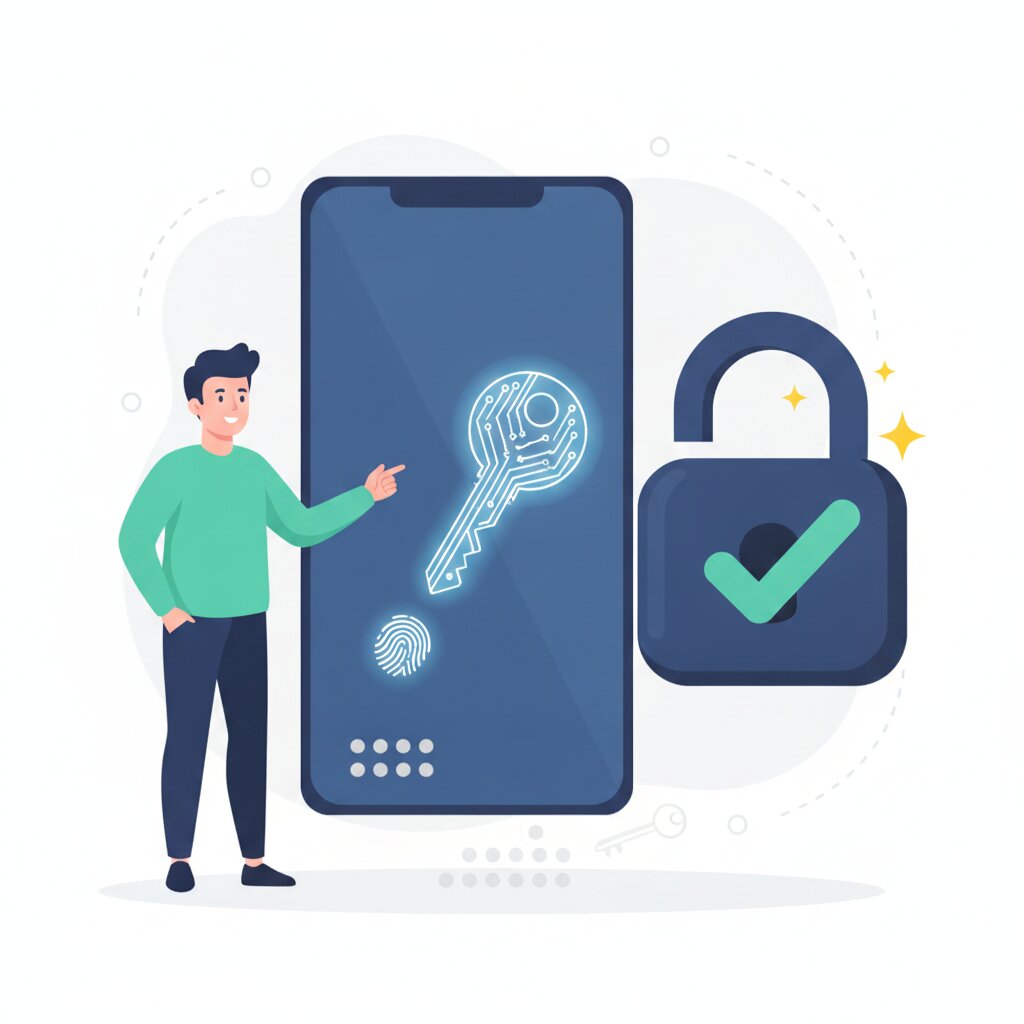
A passkey is a credential built on the FIDO2/WebAuthn standards that uses public-key cryptography to create a unique key pair per account. The private key stays on your device or sync provider, only the public key is stored by the website, and sign-in is a cryptographic challenge-response rather than a transmitted secret.
At registration your device generates the pair and hands the public key to the site (the relying party). At sign-in the server sends a challenge, your device signs it with the private key, and the server verifies the signature against the stored public key. That proves you hold the key without the key ever moving across the network.
The consequence: a site only ever holds the public half, and a public key cannot sign you in on its own, so breaching the database yields nothing reusable. Unlocking is local. Your fingerprint, face, or PIN releases the private key, and the biometric never leaves the device.
These mechanics come from the FIDO Alliance, which sets the specs with the W3C and certifies interoperable implementations. That is why the same capability ships across Google, Chrome, Android, Apple iCloud Keychain, and Windows Hello, and why a passkey on your phone can sign you in on your laptop. It sits inside the wider post-password identity stack and underpins Microsoft’s shift away from SMS authentication.
The mechanics raise one question: if the secret never moves, what actually changes about the attack surface?
What is phishing-resistant authentication and why does it matter?
Phishing resistance rests on origin binding. A passkey is tied at registration to the exact domain it was created for, so the browser refuses to complete sign-in on a lookalike site. There is no reusable secret to harvest and replay.
Origin binding is enforced by the browser and platform, not by the person signing in. Even an identical-looking page cannot get the WebAuthn ceremony to release the credential to the wrong domain. That matters because credential phishing and adversary-in-the-middle proxies are a leading initial access path.
SMS and voice one-time codes stay phishable for the same reason. An attacker can sit in the middle, forward the real login page and the code prompt, and steal the session cookie or token while the user sees nothing unusual. One security vendor’s research found 84% of accounts compromised this way already had MFA enabled, so a second factor did not close the phishable path. That is the gap the migration decision addresses when legacy SMS and OTP remain.
Phishing resistance is a property of the FIDO2/WebAuthn specifications. The boundary is that origin binding stops credential harvesting, but it does not stop token theft once a session cookie is stolen. Passkeys still close the phishing gap.
Passkeys vs passwords: what are the real security differences?
The difference is the credential model. A password is a shared, reusable, human-chosen secret stored on both your device and the server. A passkey is an asymmetric, unique-per-site, origin-bound credential with no reusable secret on the server.
Apply that credential-model difference to each attack: reuse, phishing, interception, and server breach. Password reuse feeds credential stuffing, so a unique key pair per site defeats it. Phishing relies on tricking you into typing a secret, so origin binding defeats it. A server breach matters because a password file can be cracked, while a signed challenge carries no secret to intercept. The interception that remains after sign-in, token theft, is a separate problem.
The numbers make the model concrete. Stolen credentials were involved in 88% of breaches in the 2025 Verizon DBIR, which is why removing the reusable secret matters.
The residual risk lives in what you keep. A password reset or SMS recovery path is now your weakest link. Apple’s point at the 2025 FIDO Authenticate conference, as reported by WorkOS, is that adding passkeys as an option does not make a system phishing-resistant if recovery flows still exist. Evaluate the reset path itself and the risk it reintroduces, rather than assuming the passkey alone removes the threat. That is the heart of the migration decision when legacy methods linger, and it fits into the wider digital identity picture.
Synced, device-bound, or hardware key: which passkey type should you choose?
Passkeys come in three flavours along a convenience-versus-assurance spectrum, and the right choice depends on your threat model and portability needs.
Synced passkeys are the sensible default for most users. They live in a platform cloud like Apple iCloud Keychain or Google Password Manager, so you enrol once and recover by signing into that account on a new device. The trade-off is the cloud account itself becomes the primary target, and a weak personal Google or Apple login weakens everything synced to it.
Device-bound passkeys never leave the device’s secure hardware. They offer stronger isolation and weaker portability and recovery, which suits corporate-managed devices where the hardware is controlled.
FIDO2 hardware security keys, the YubiKey-style physical tokens, sit at the top of the assurance curve. The private key cannot be extracted, but physical possession is required and you take on equipment, training, and helpdesk cost. For privileged or regulated users, that trade is often worth it.
The FIDO Alliance standards underpin all three types, and Canada’s cyber security agency publishes passkey guidance worth reading before you standardise. In practice most organisations blend: synced passkeys for broad adoption, hardware keys for admins and sensitive workflows. Map the choice to who the user is in your business and how they move between devices, alongside the enterprise migration decision and the wider digital identity picture.
The security difference between passkeys and passwords is architectural. Passkeys remove credential stuffing, phishing, and database-breach reuse.
What remains is the fallback you keep. Until the weakest alternative is removed or hardened, the phishable route stays open. The choice of synced, device-bound, or hardware-key passkey is a decision you make against your own threat model.
Next time a vendor tells you their login is stronger, ask what is stored, what is transmitted, and what the credential is bound to. Passkeys answer all three differently, and that is the difference — one strand in the full identity and authentication landscape.
Frequently Asked Questions
Do I still need a password after I set up a passkey?
In most cases you will keep a password or recovery method as a fallback, and that fallback is now the part to watch. Passkeys remove the daily password sign-in, but many accounts still offer password reset or SMS recovery paths. Because any phishable fallback becomes the weakest link, the goal is to remove or harden it rather than assume the passkey alone covers everything.
What happens if I lose the phone or laptop that holds my passkeys?
Synced passkeys can be restored on a new device by signing into your platform account, such as your Google or Apple account. Device-bound passkeys and hardware keys are harder to recover, which is why they offer stronger isolation but weaker portability. The recovery risk is the account itself, so secure the cloud or recovery credential you rely on to get back in.
Are passkeys just fingerprint or face login with a new name?

No. Your fingerprint or face only unlocks the private key on your device, the biometric never leaves the device and is not what the website verifies. The actual credential is the cryptographic key pair, and the server checks a signature against your stored public key. That is a different model from storing or transmitting a biometric sample.
Can passkeys be hacked?
Nothing is unhackable, but passkeys remove whole attack classes rather than just making a secret harder to guess. They are not vulnerable to credential stuffing, phishing, or server database reuse because no reusable secret exists. The remaining risks sit in account recovery, synced cloud accounts, and post-sign-in session theft, so treat those as the new weak points.
Can I use a passkey on a shared or public computer?
You can, but it is usually cleaner to sign in from your own device. On a shared machine, a passkey stored on your phone can sign in through a Bluetooth check or a QR code scan, and the private key still never transfers to that computer. If you create a passkey directly on a public device, it stays there and others may be able to use it, so avoid that.
What happens to my passkeys if I switch from iPhone to Android?
Synced passkeys live in the platform’s cloud, so they do not automatically move between Apple and Google accounts. You either recreate passkeys on the new platform or keep both ecosystems signed in during the transition. Check your recovery options before you wipe the old device, because losing access to the original platform account is the main risk.
Do passkeys need an internet connection to sign in?
Passkeys use a local cryptographic challenge, so the signing itself happens on your device and does not need the internet. You still need connectivity to reach the website and complete the sign-in flow, and synced passkeys need a connection to sync between devices. The credential is not stored online as a reusable secret in either case.
Is a passkey the same as two-factor authentication?
Not exactly. A passkey is a primary credential that is phishing-resistant on its own, not a second step bolted onto a password. Because it combines proof of possession of the device with a local unlock such as a PIN or biometric, it delivers multi-factor properties in a single step. It replaces the password plus one-time code flow rather than adding to it.
What if someone hacks my Google or Apple account?
For synced passkeys, a compromised platform account is the real exposure, since the synced key material is protected by that account. Use strong protection on the cloud account itself, such as its own hardware key or passkey and recovery controls. Device-bound passkeys avoid this cloud risk entirely because the private key never leaves the hardware.
Can I share a passkey with another person?
No, and that is deliberate. Passkeys are tied to a specific account and user, and the credential is designed not to be copied or exported as a shared secret. Sharing would recreate the very weakness passkeys remove. If someone else needs access, grant them their own credential through the service’s normal access controls instead.